Firecracker microVMs
Hardware-level isolation, not a shared kernel. Every sandbox is a real VM with its own kernel, so untrusted code stays contained.
Isolated Firecracker microVMs for AI agents and untrusted code — built, scheduled, and run on the Linux hosts you operate, behind an API and dashboard that stay on your network.
$ qbox spawn --template python-3.12→ scheduling on host fc-02 [ok]→ booting firecracker microvm [ok]→ restoring template snapshot [ok]→ guest agent ready [ok]→ sandbox sb_7a3f running$ qbox shell sb_7a3froot@sb_7a3f:~# python -c "import torch; print(torch.__version__)"2.4.1+cu121root@sb_7a3f:~# echo "hello from inside a microVM"hello from inside a microVMroot@sb_7a3f:~# _
Hardware-level isolation, not a shared kernel. Every sandbox is a real VM with its own kernel, so untrusted code stays contained.
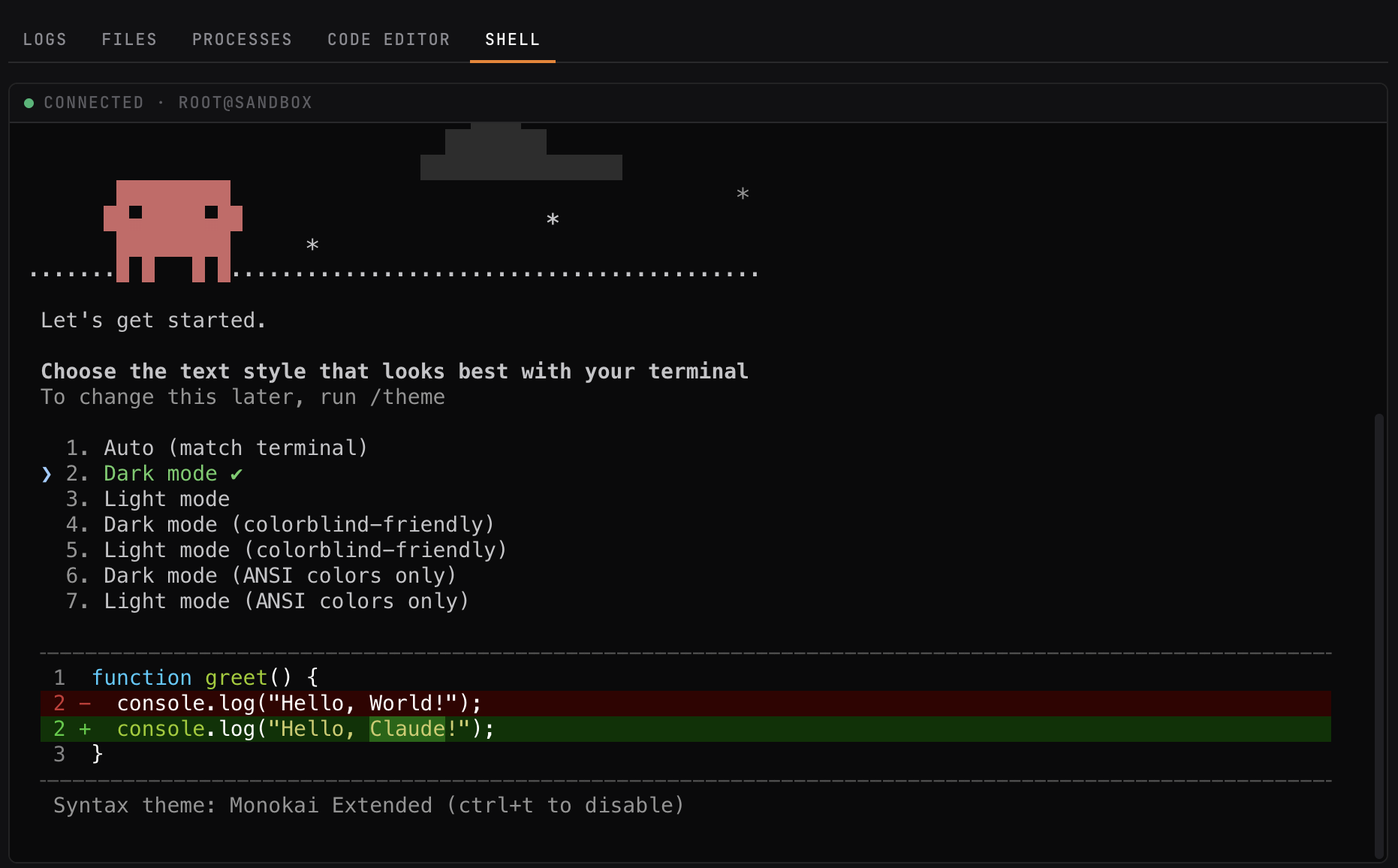
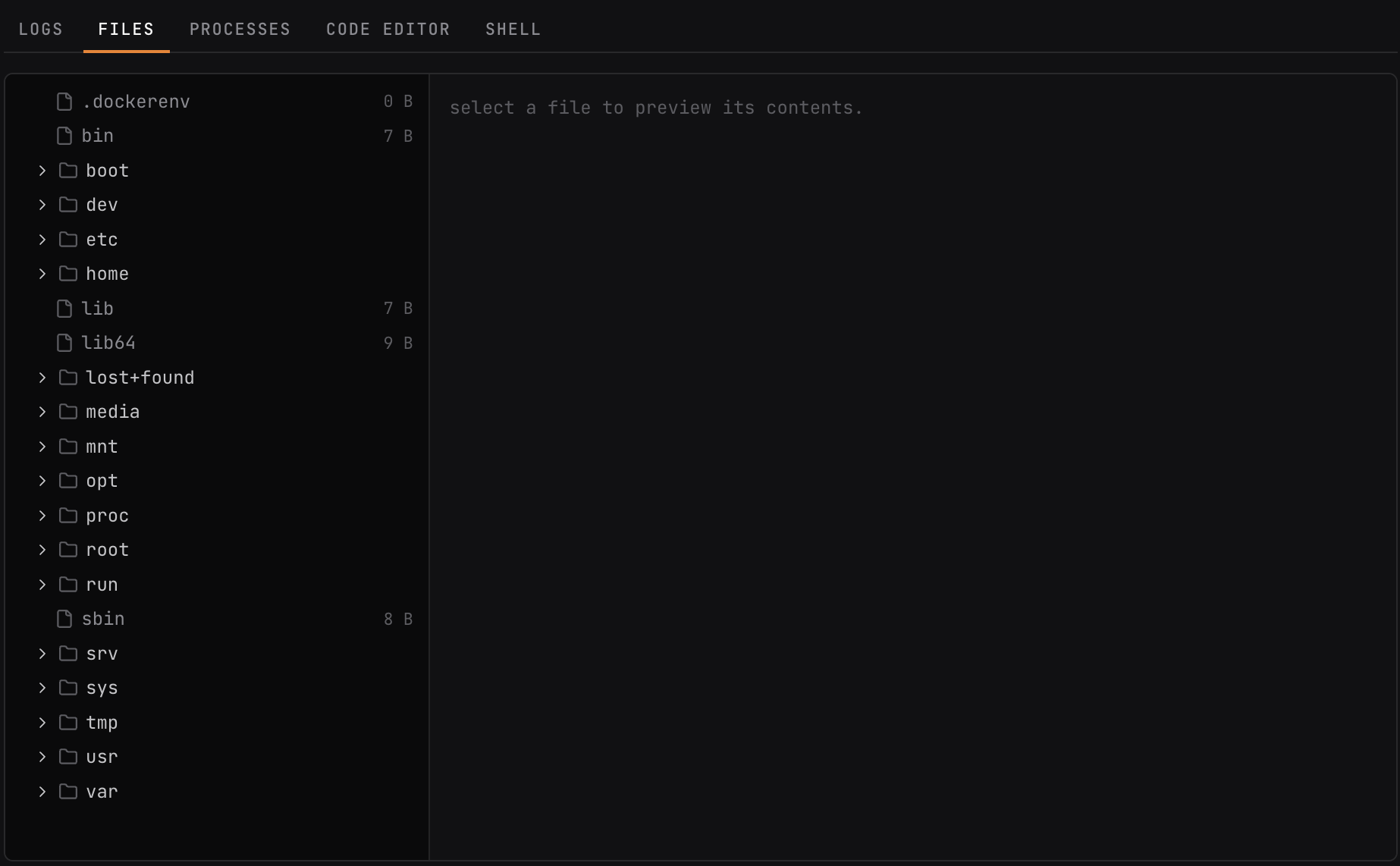
Open an interactive shell into the microVM. Run one-off commands. Browse and download files. Tail structured logs as they arrive. All over a private channel between the control plane and the guest — no public SSH, no inbound exposure on the sandbox.
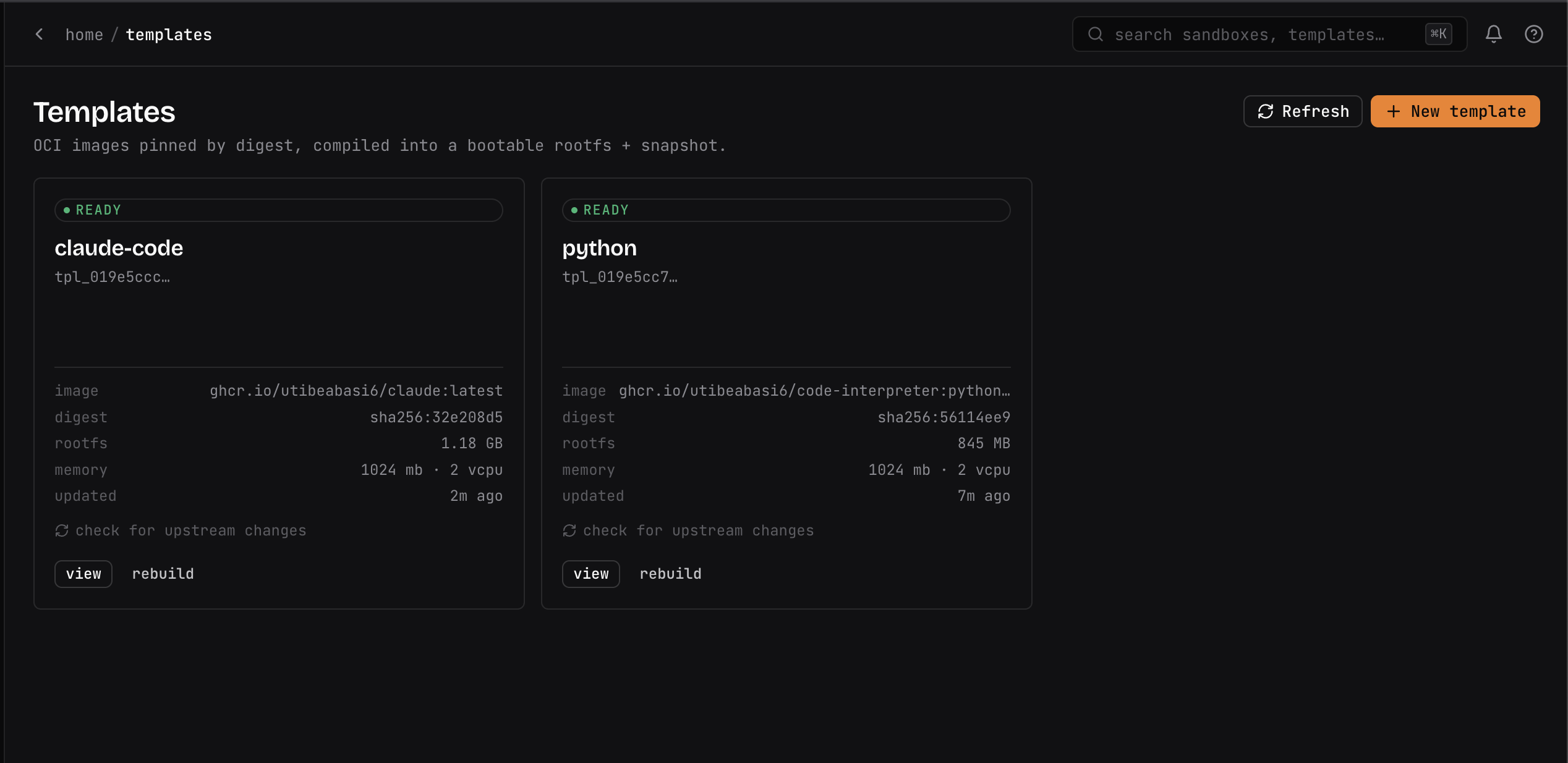
Point a template at any OCI image, or build one straight from a Git repo. qbox bakes it into a warm, reproducible snapshot — so sandboxes resume from a booted image, not a cold boot. Python, Node, Go, Rust, or your own.
A control plane plus a lightweight agent on each host. Runs on commodity Linux with KVM — no Kubernetes, no managed cloud. You run the whole platform.
Bare metal, on-prem hypervisors, or your own cloud VMs. No telemetry, no phone-home, no data leaving your perimeter.
from qbox import Sandbox

# spawn from a template, run code, read the result
sandbox = Sandbox.create(template="python-3.12")
result = sandbox.run_code("print(1 + 1)")
print(result.text)   # 2
Drive sandboxes straight from your app — spawn, exec, files, and code execution in a few lines. A REST + WebSocket API sits underneath for everything else, and a CLI ships for operators.
import qbox

# Spawn from a template; the sandbox is killed on block exit.
with qbox.Sandbox.create(template="python-3.12") as sb:
    result = sb.commands.run("python -V")
    print(result.stdout)            # Python 3.12.x

    # Run code in a stateful kernel and read the result.
    execution = sb.run_code("import torch; torch.cuda.is_available()")
    print(execution.text)
# Spawn a sandbox from a template
curl -X POST https://qbox.your-domain.tld/v1/sandboxes \
-H "Authorization: Bearer $QBOX_TOKEN" \
-d '{ "templateId": "tpl_python312" }'
# → { "id": "sb_7a3f", "status": "booting" }
# Run a command once it's running
curl -X POST https://qbox.your-domain.tld/v1/sandboxes/sb_7a3f/exec \
-H "Authorization: Bearer $QBOX_TOKEN" \
-d '{ "cmd": "python", "args": ["-c", "print(1 + 1)"] }'
# → { "stdout": "2", "exitCode": 0 }
# List files, stream logs, or open an interactive shell —
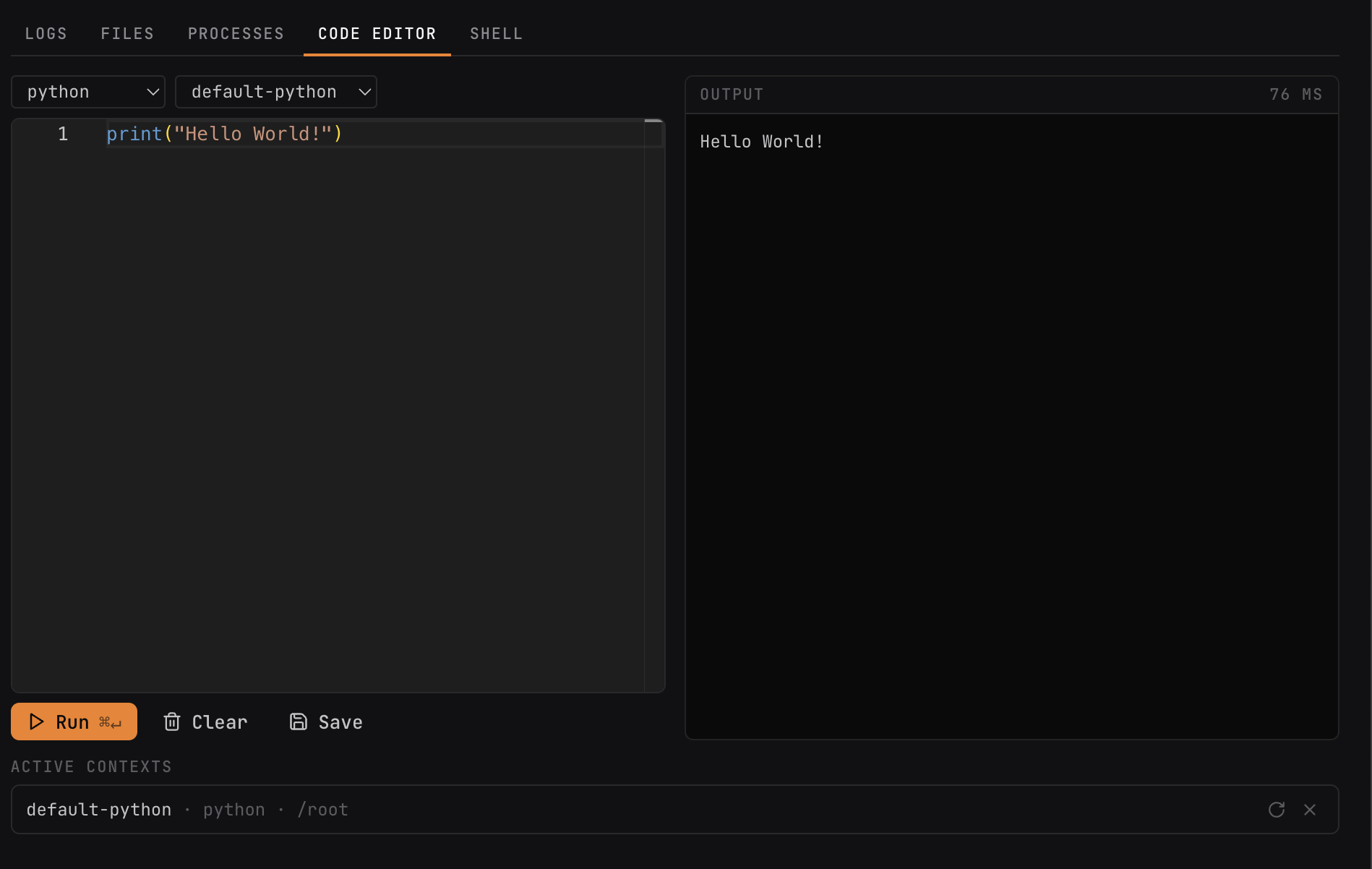
# all from the same authenticated API, or the operator dashboard.Run Python or JavaScript in a persistent kernel and get rich results back — stdout, return values, tables, and plots. Reuse a context across calls, or spin up a fresh one.
Launch a headless Chromium in a sandbox and drive it over CDP — for agents that browse, fill forms, and use the web as a tool, isolated per session.
Attach object-storage-backed volumes to any sandbox at a mount path. Let agents share datasets and artifacts across sandboxes without breaking isolation.
Expose a guest port and get a preview URL that routes straight to the process in the microVM — for dev servers, apps, and tools the sandbox runs.
Templates are built into warm snapshots, so a sandbox resumes from a booted image in well under a second instead of cold-booting a VM per request.
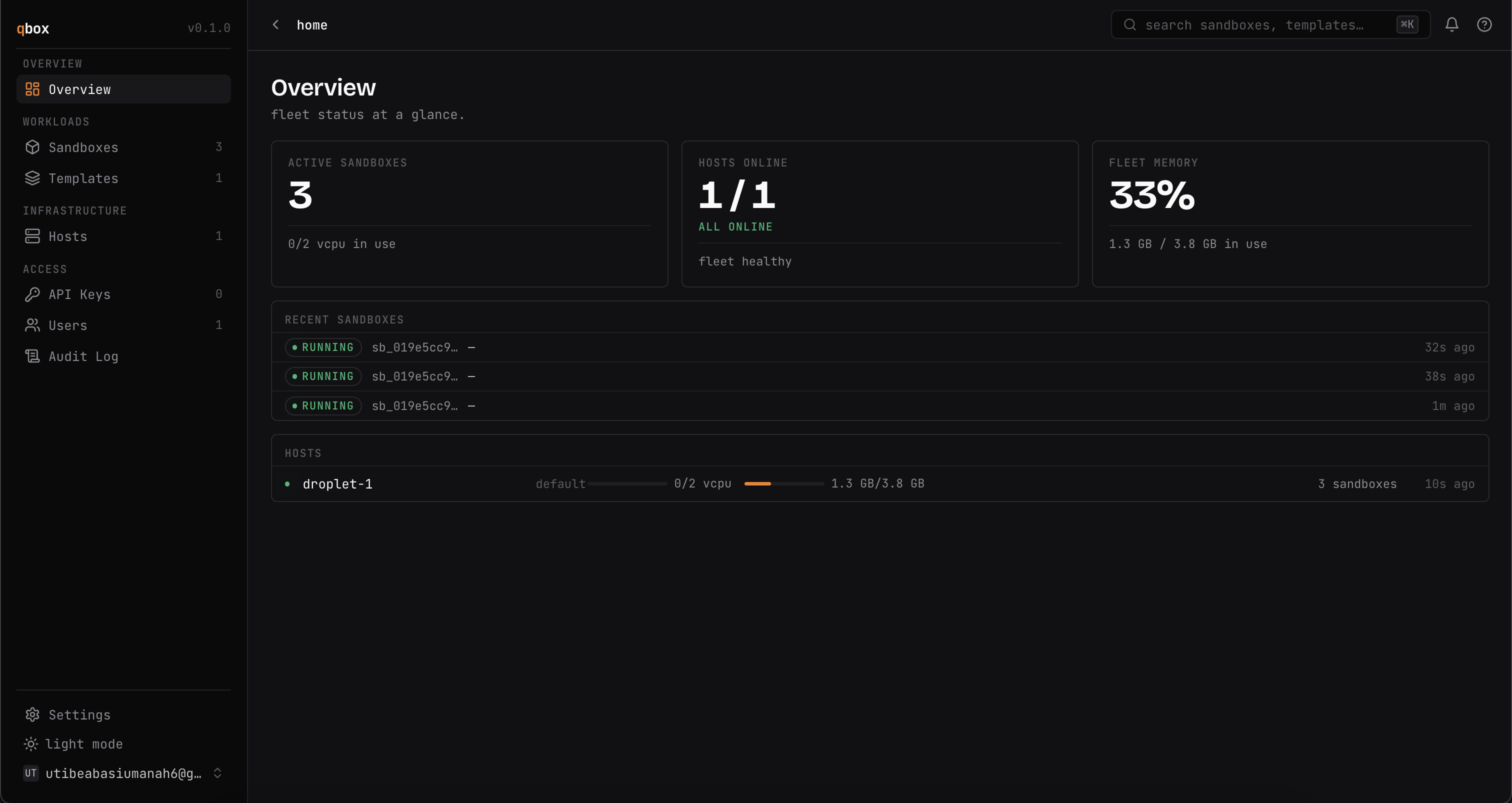
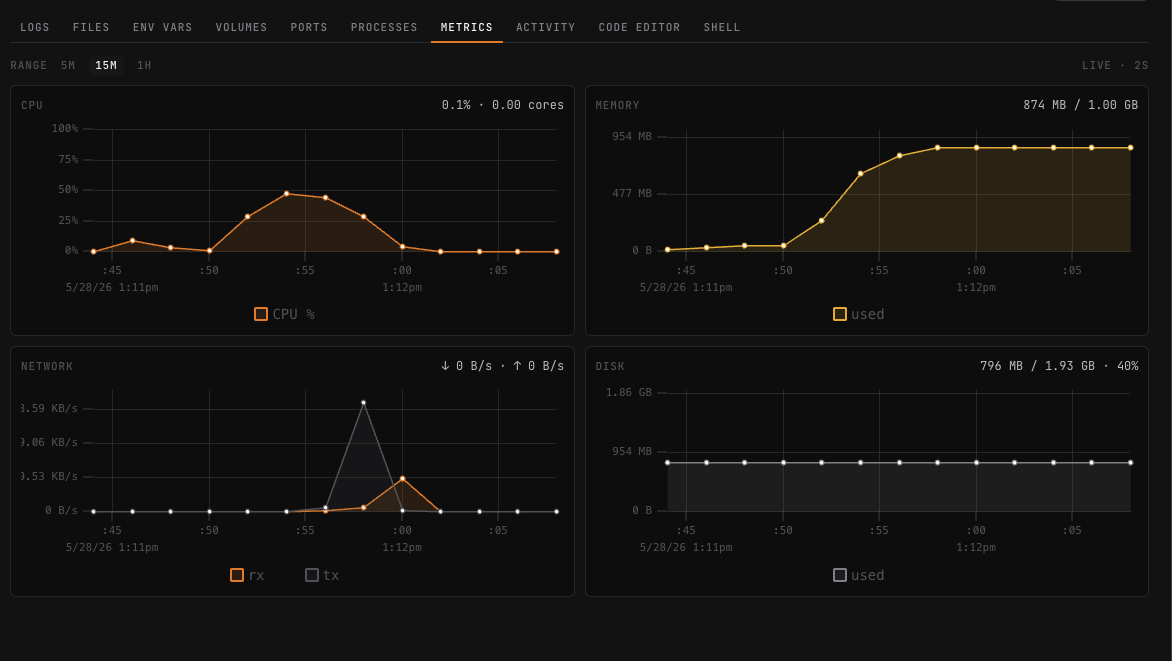
Per-sandbox and per-host CPU, memory, disk, and network — live in the operator dashboard, so you can watch utilization across your fleet.
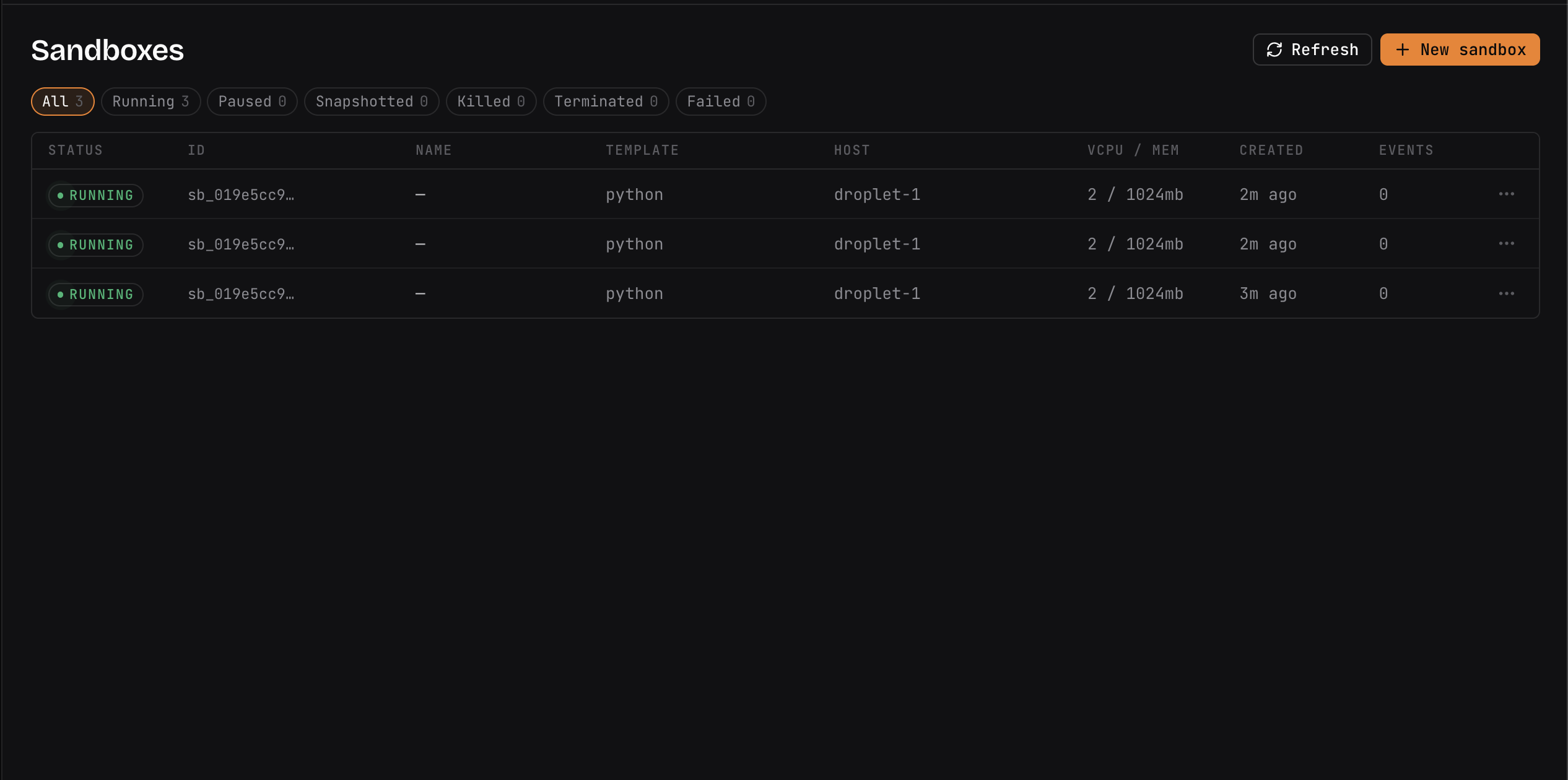
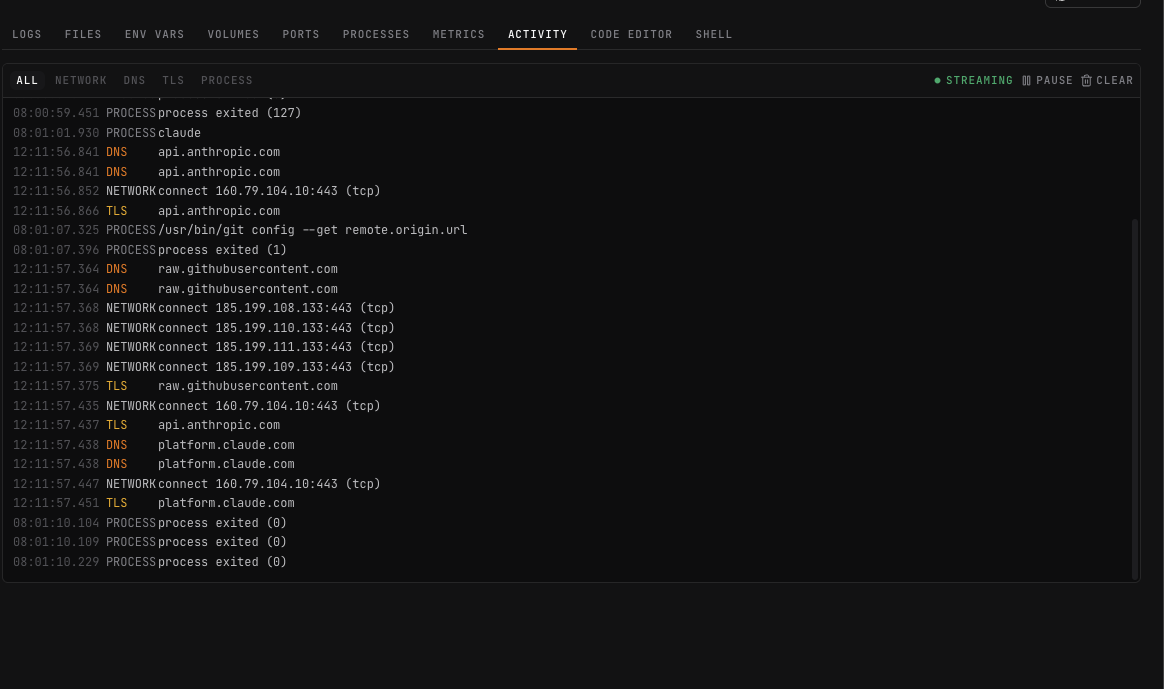
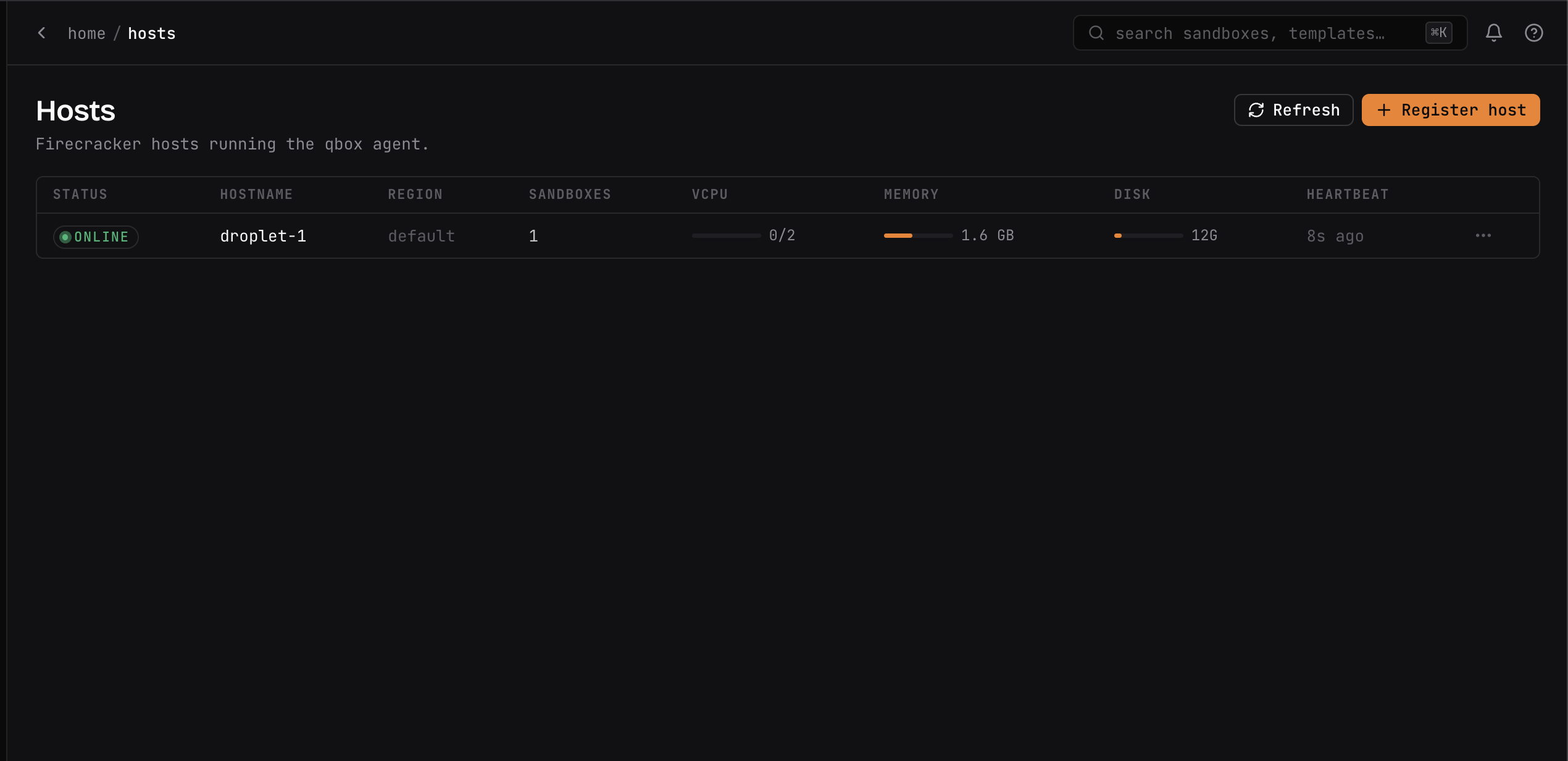
Spawn and inspect sandboxes, open a shell, browse files, watch live activity and metrics, and keep an eye on your hosts.
Coding agents, research agents, deep agents that need to run arbitrary code. qbox gives them true microVM isolation — and a shell, exec, and log stream so you can see what they did.
LLM products that expose a code-execution tool to end users. Stateful Python and JavaScript kernels in disposable microVMs, spawned from warm template snapshots, on hardware you control.
SWE-Bench-style evaluation harnesses. Plugin marketplaces. Anywhere you're running unreviewed code and "it's just in Docker" stopped being good enough.
Run user-supplied analysis, notebooks, and ad-hoc scripts against your data — each session in its own VM, so a runaway job or a hostile dependency can't touch the host or other tenants.
Agents that drive headless browsers, package managers, and arbitrary CLIs need a real machine to make a mess in. Give each one a disposable microVM with outbound network you can scope or cut off.
Hand every user or tenant a clean, reproducible environment booted from a warm template snapshot — isolated from each other, on your own fleet, with no shared kernel.
qbox is built for teams that can't or won't run AI workloads on someone else's cloud. Regulated industries. Data residency requirements. Air-gapped environments. Teams that want to own their compute. It runs on commodity Linux hosts you already have — no Kubernetes, no managed control plane, no data leaving your perimeter.
Self-host qbox on your own Linux hosts. Bring your own agents and workloads — nothing leaves your network.